
I play Final Fantasy XIV. A lot of Final Fantasy XIV. There is only one acceptable input device when it comes to that game – the Logitech G600 MMO mouse. It is not without its flaws – neither the thumb button switches nor the main switches are the most durable, and the Logitech software is horribad (although that can be said just about every "gaming" peripheral software). However, no other MMO mouse seems to have combined the 12-thumb-button layout to the killer feature of this mouse – the third main button to the right of the right click. In FFXIV, you need three 12-button hotbars, one without a modifier and the two others with two modifiers. With this mouse, you can bind the secondary modifier to this extra button, resulting in you being able to not move your left hand pinky and thumb from left shift and the spacebar, respectively. I'm not very agile with a keyboard, so this means the world to me. Now that the G600 seems to be teetering on the verge of discontinuation, it'd be nicer than ever for any peripheral maker to pick up the ball Logitech is dropping.
The G20 button (the twelfth thumb button) of my original G600 had become intermittent, so I thought I should try to replace the thumb module. I could attempt upgrading the main switches at the same time, since the main button feel is not on the same level as my old G502 (although they apparently share the same Omron 20M switches, maybe the difference is due to the chassis itself). But first, I needed to order a spare one in case I botched the job. In any case, it'd be nice to have a spare of a crucial input device that is getting harder and harder to find. So, now there were two of them:
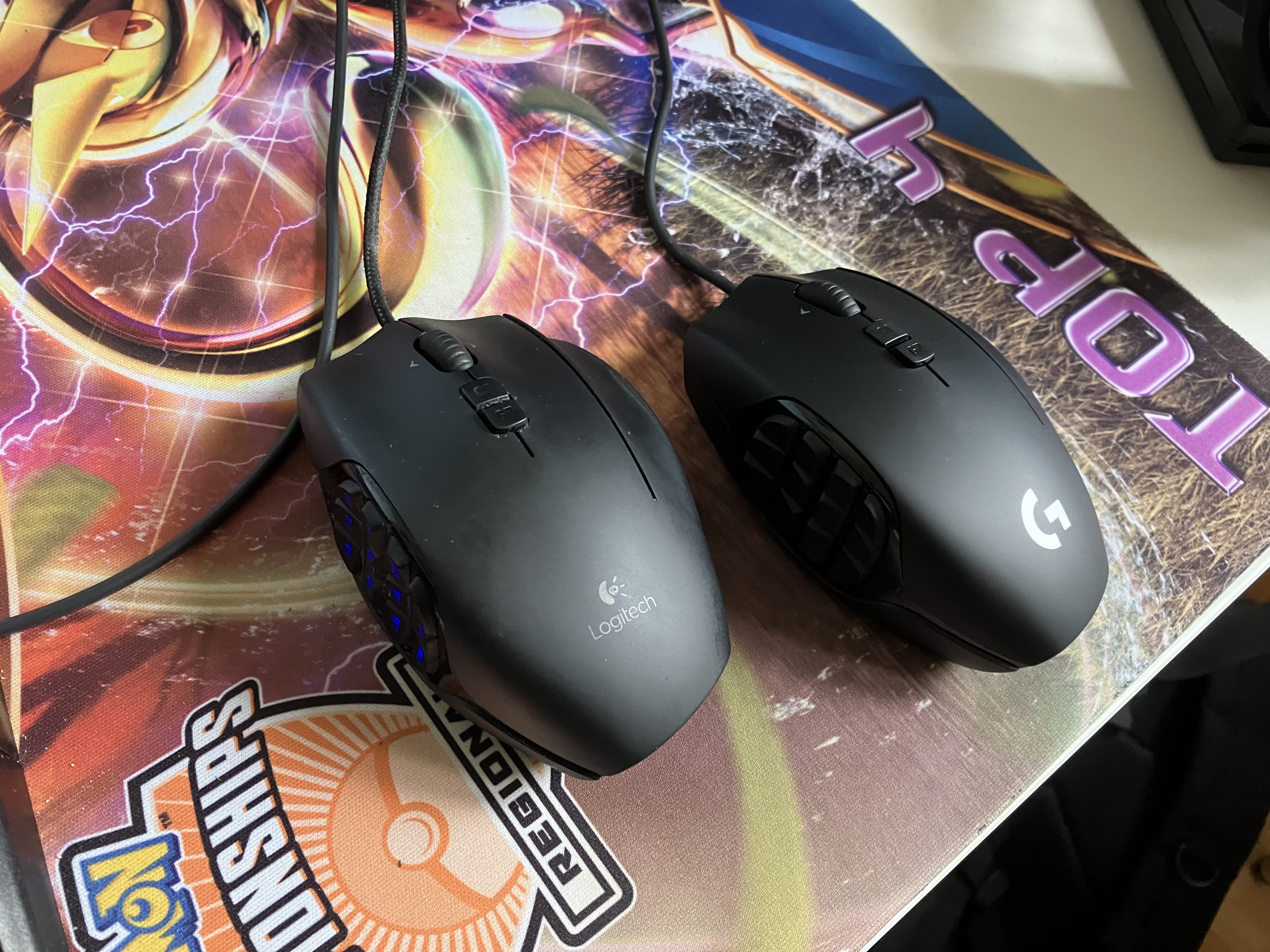
The new one had the new Logitech logo. It also had had a cable downgrade – gone was the nice braided cable and come was the nasty, sticky rubber one. Otherwise, the two are identical.
I ordered a spare thumb button module from eBay. The replacement unit was allegedly an original, unused open-box one. Go figure… I also ordered some new switches. The only EU retailer of mouse switches I could find was maxgaming.com, and the only switch they seemed to have at the moment was Huano Blue Shell Pink Dot. I was fine with that, so I ordered six switches, double the amount I needed so I could hash up the job once, and if I didn't, I'd have spares for the spare mouse as well, not unlike what happended with my Apple Cinema Displays where I had a spare part left from the original repair when the second monitor developed the same issue years later, but I digress… Finally, I ordered a new set of skates from corepad.de.
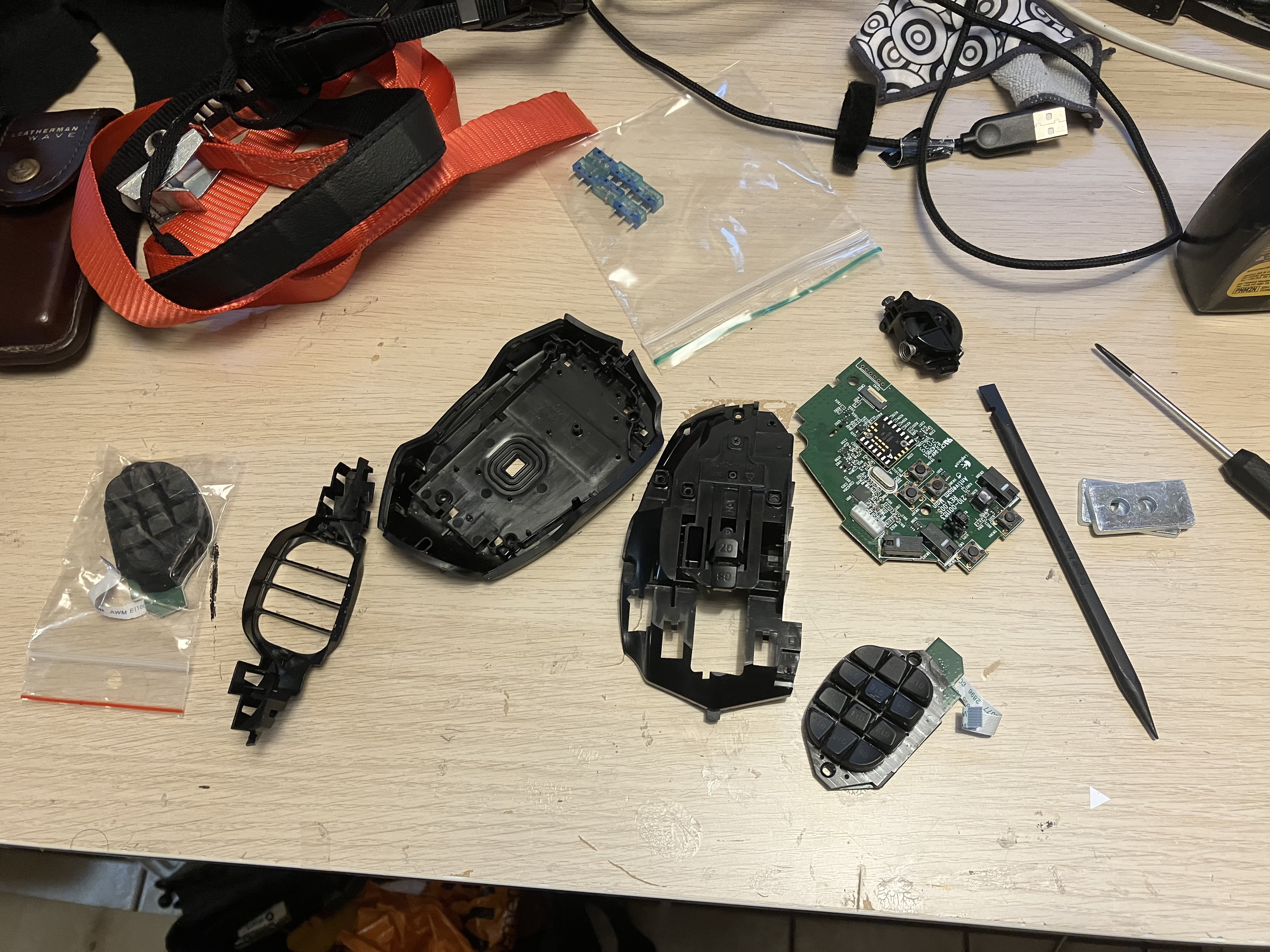
The disassembly was a bit fiddly when it came to taking the thumb button board out. However, please note you can skip that step if you're only after the main switches! The desoldering and resoldering part was straightforward, easily something you can do on your own without much prior soldering experience.
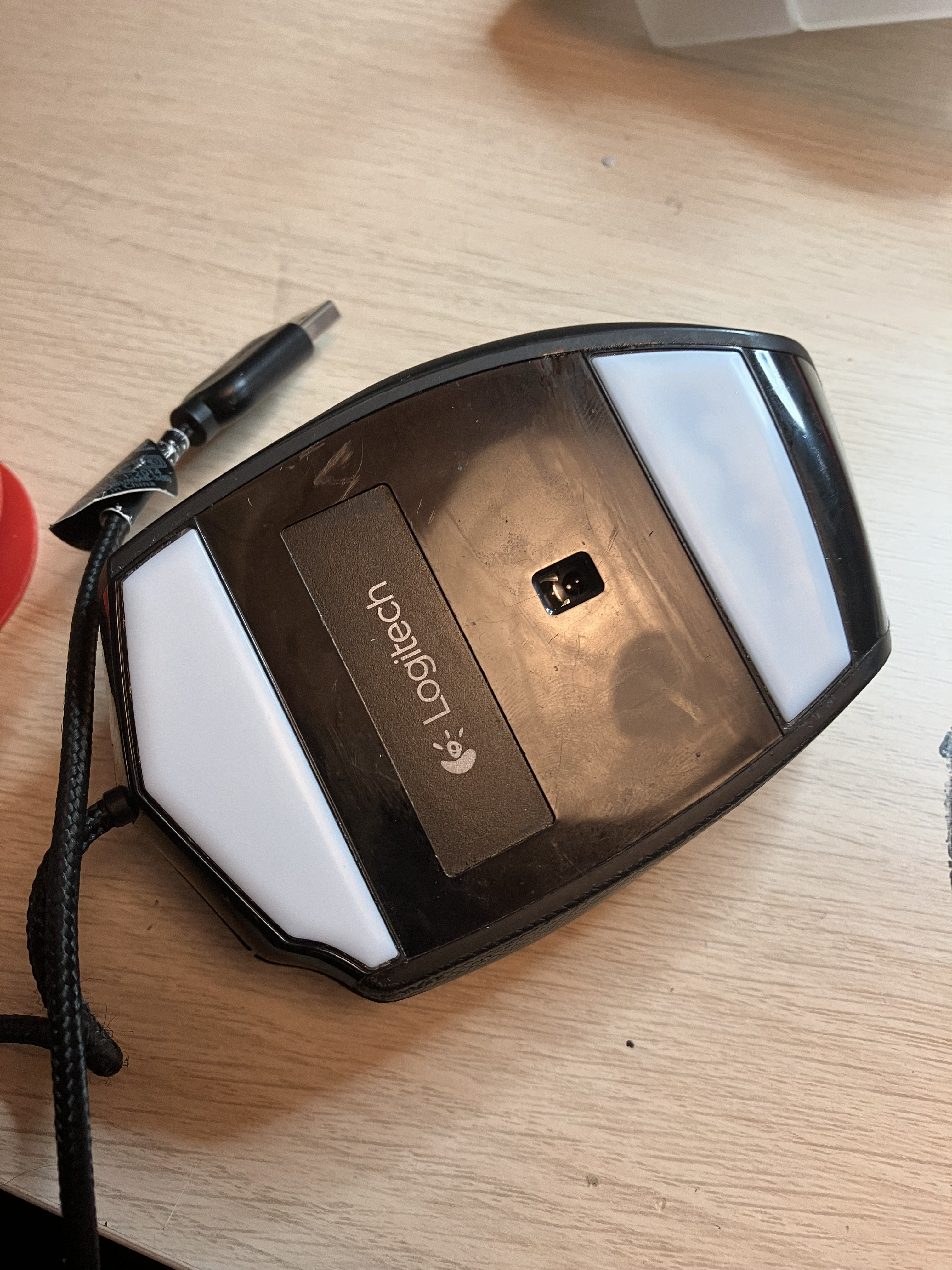
The reassembled mouse was fully functional. However, it felt… off, especially the thumb buttons. The plastics must've not appreciated my prying actions. Also, there was a new pre-actuation tactile step in the main switch action, also feeling like it originated from the plastic housing (the switches felt excellent on their own and soldered onto the PCB before reassembling the shell). The skates felt excellent, though.
All in all, this was a failure. The modified mouse is now my functional-but-off-feeling spare, and the stock spare I purchased is my new main, even with its nasty rubber cord. I still have three of the Huano switches left, and the Corepad skate pack also came with two sets, so I could repeat the feat on the other mouse as well, but I'll refrain from it unless there's a real need. The mouse shell plastics seemed to be the limiting factor.
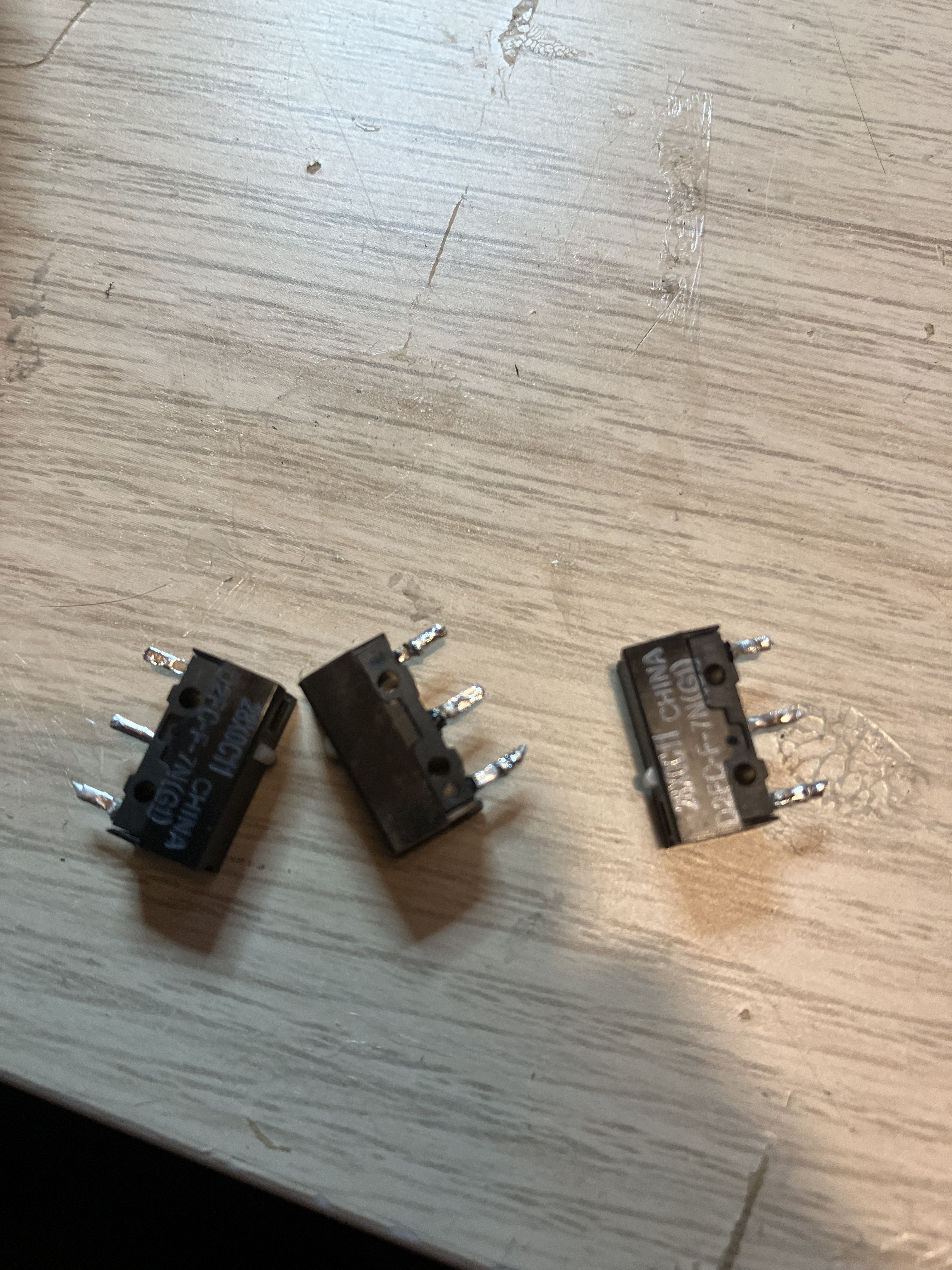
The stock Omron switches I took out of the mouse in favor of the Huanos were still fully functional. My dad's 0.50 € Razer DeathAdder flea market special developed an intermittency in its right click. I gave him the used switches, and he replaced the switches in his mouse with them. Apparently, they work just fine.
This post was retroactively compiled on 2024-01-05 from photos in my photo library.