
My first ever own computer was a 2009 Macbook Pro. I still had it, but had no longer any use for it. The machine was fully functional apart from one dead pixel, a completely shot battery, and a trackpad that didn't click anymore (most likely due to the failing battery slowly becoming a spicy pillow). So, I decided to have a bit of fun with it and try to install the at-the-time latest version of macOS, macOS 12 Monterey, on it.
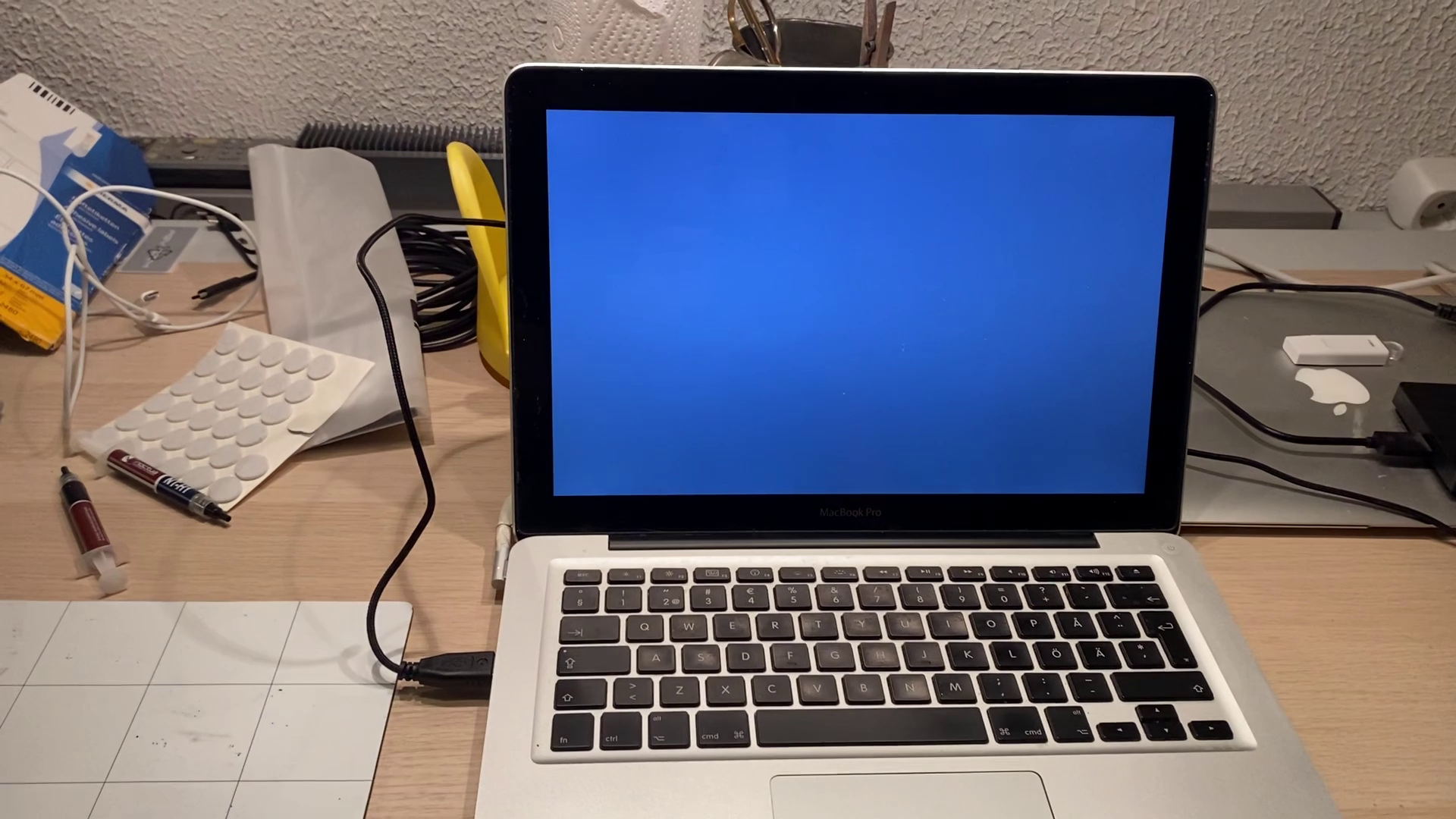
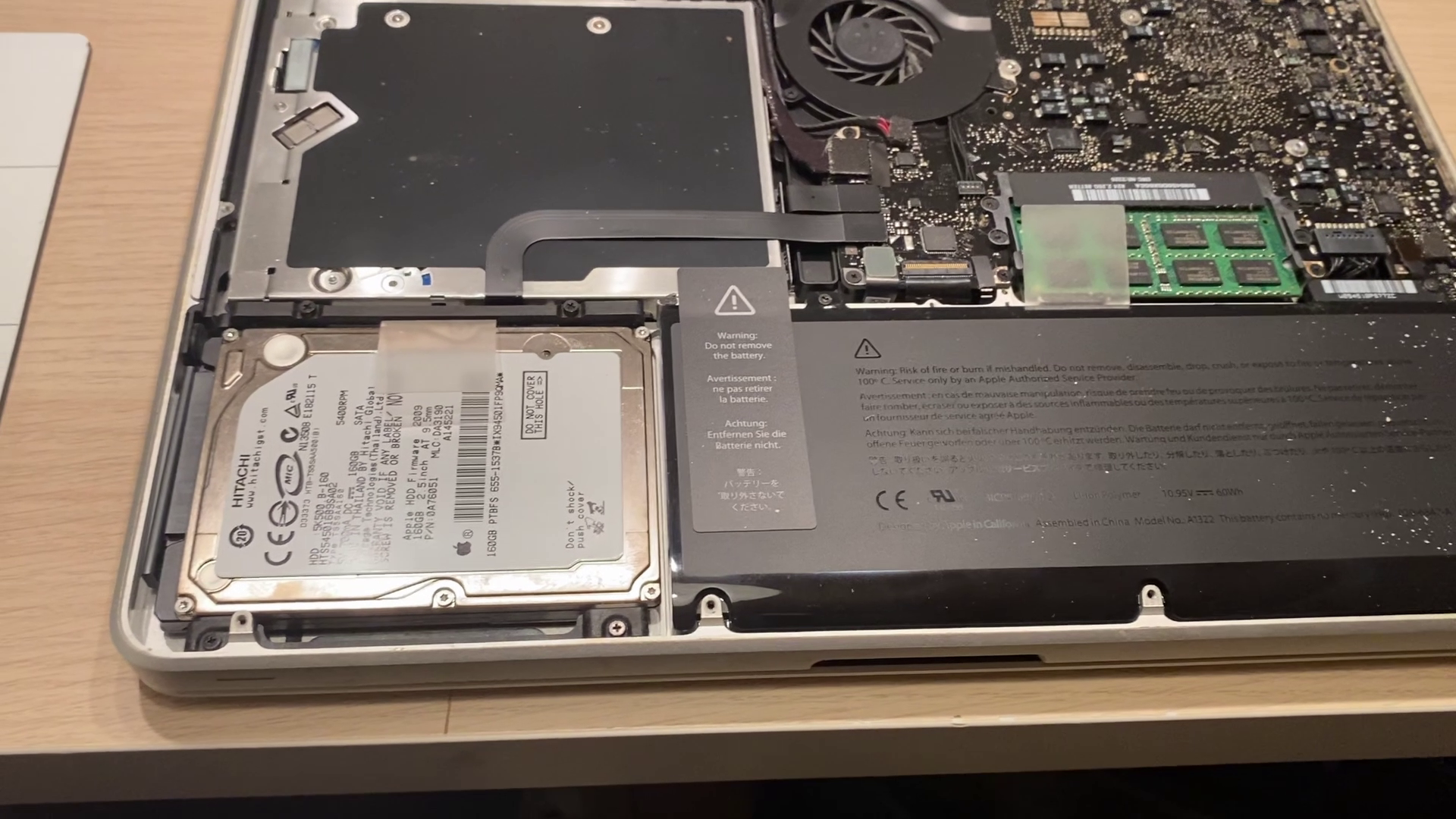
I didn't need to take the computer apart, but I did anyways. I wanted to take the original 160 GB 5400 rpm HDD out and put a used, spare SSD in. I also wanted to see if I could do anything about the trackpad not clicking. (I couldn't.)
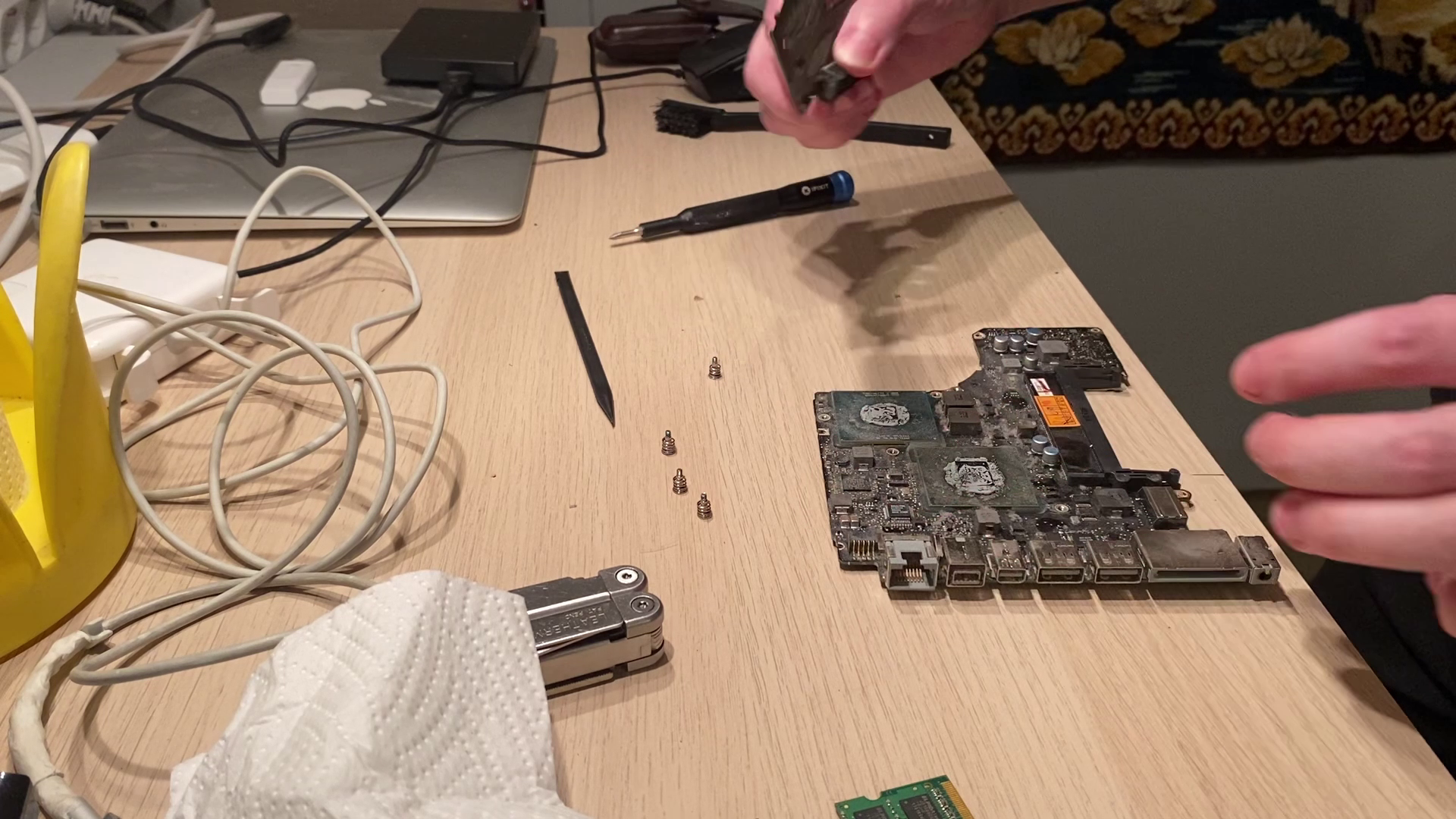
I also wanted to change the thermal paste and blow out the fan.
After reassembling, it was time to install Monterey. The process was relatively simple. I used OpenCore Patcher.
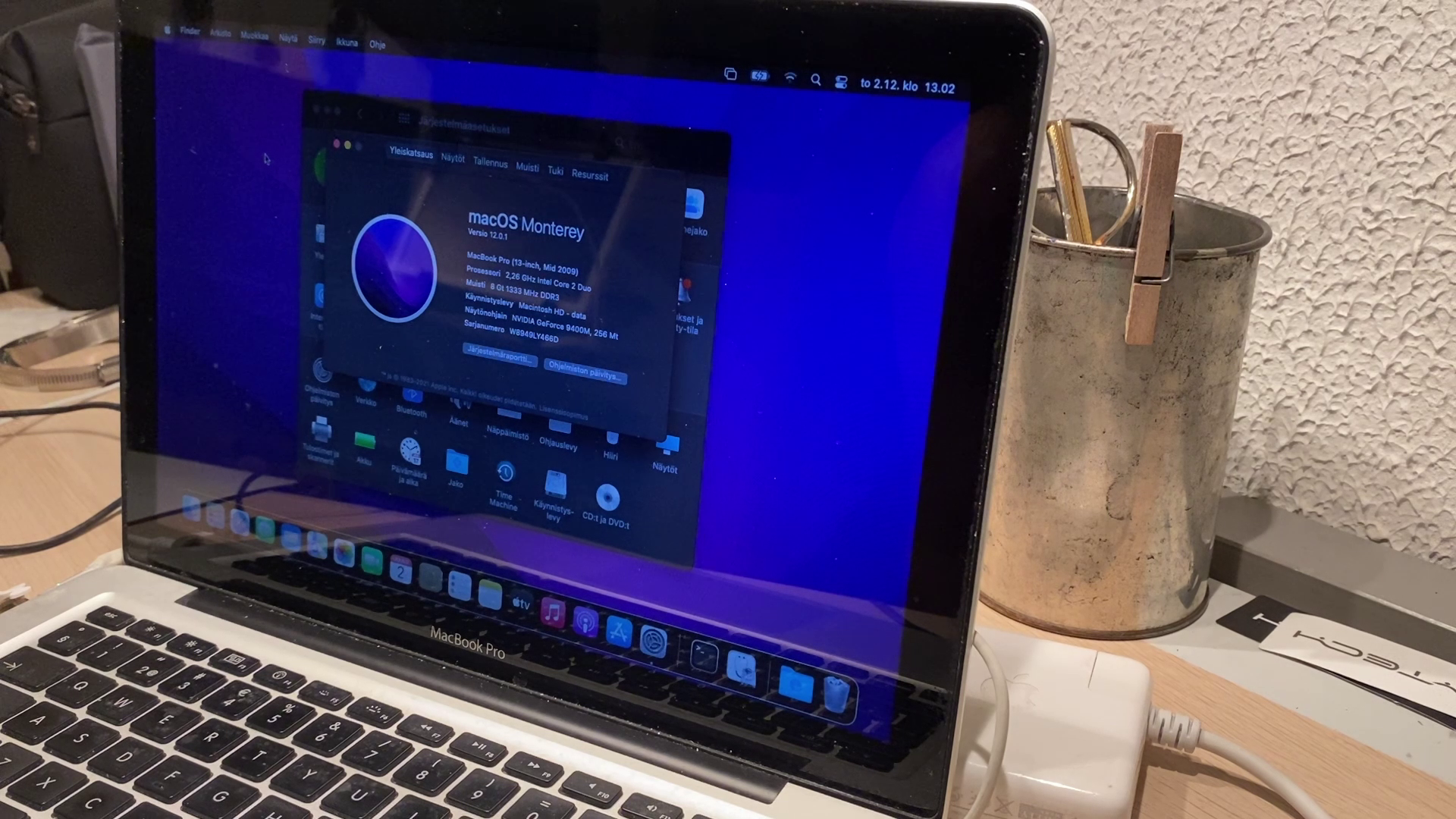
During my brief testing, the performance was decent – not great by any means but completely usable. The 1280 × 800 screen definitely felt dated, but otherwise, the perceived usability was actually better than when the laptop was still in active use in 2014. The SSD I put there and the full 8 GB of RAM I had reclaimed from my dad's broken Macbook Pro sometime after retiring this machine definitely helped.
This post was retroactively compiled on 2024-01-18 from a long since privated YouTube video. All the images are still frames from the video. I donated the Macbook Pro to a local recycling center soon afterwards.