
As I've written before, I consider the Logitech G600 mouse to be the best available method of playing Final Fantasy XIV – so much that I own two of them. After the last post about the mice, I had been using the spare one stock given the feel issues with the one I messed with.
However, the heavy use had started to take its toll on the USB cord, and the plug end had started to fray a bit:
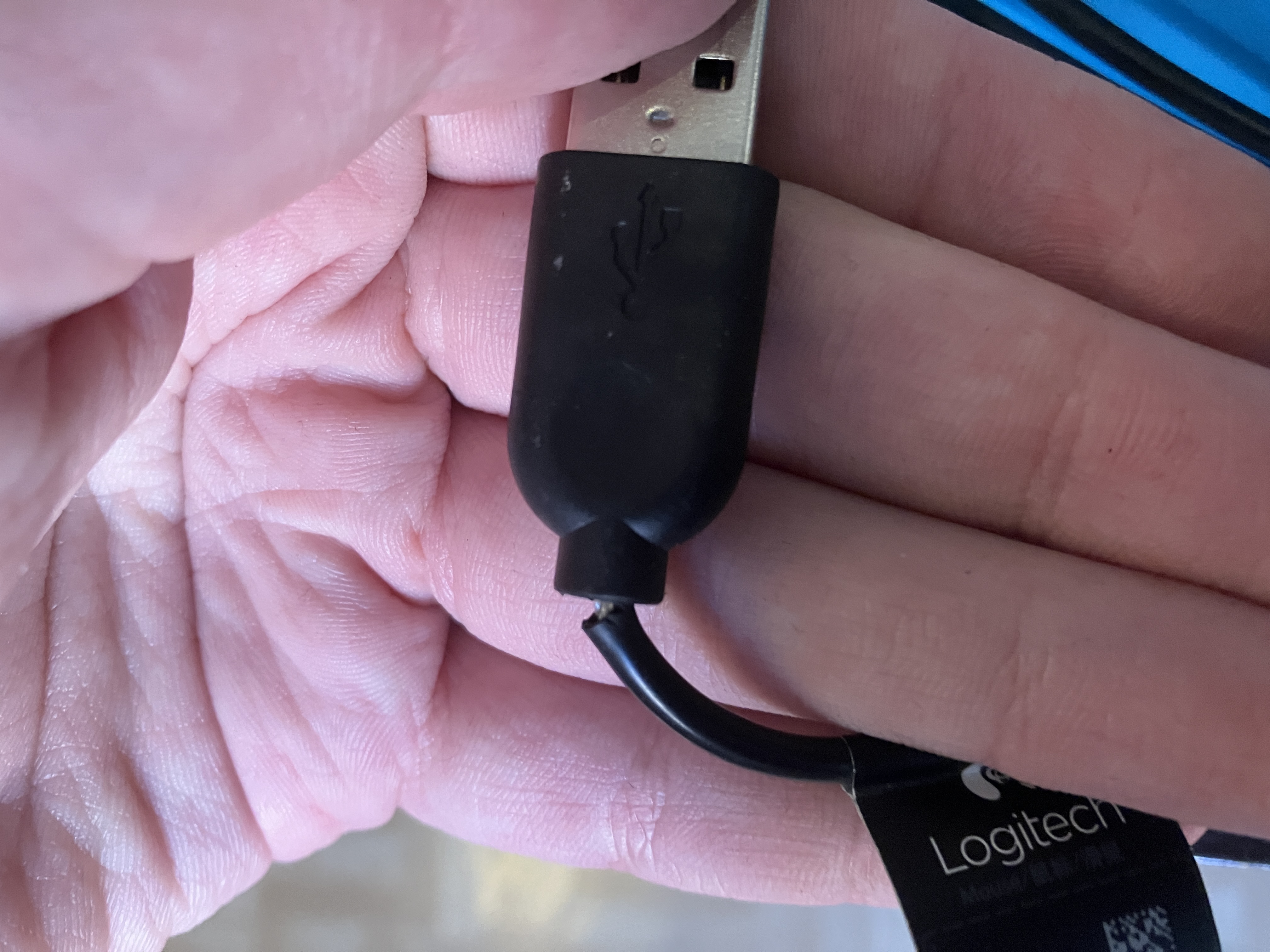
The cable was still functional, but I knew it was going to get worse and only a matter of time before it'd stop working. At this point, I checked how the availability of the model was looking, given that it had already seemed like Logitech was discontinuing the model the last time I looked. And sure enough, there were no retailers selling the G600 new, at least not within the EU. Used, working examples were few and far in between, very inflated in price, and all either in the US or in Japan. It seemed like just replacing the thing was not going to happen.
I knew I still had enough parts between the two mice to frankenstein one fully intact one, and given that the other mouse had a nicer braided cable to begin with, I was eager to swap that cable in. However, there was a small issue: the aftermarket skates I put in the last time prevented the mouse from being reopened without removing (and likely ruining) the skates.
Due to the likelihood of needing to fix an increasing number of components as the mice age and wear down, I decided to purchase a set of universal skates from Corepad. The bespoke G600 skates had felt excellent, so I was confident in the company and the material they use. The universal skates were 0.85 mm in thickness versus the 1.00 mm of the bespoke ones, but I deemed the difference small enough not to matter.
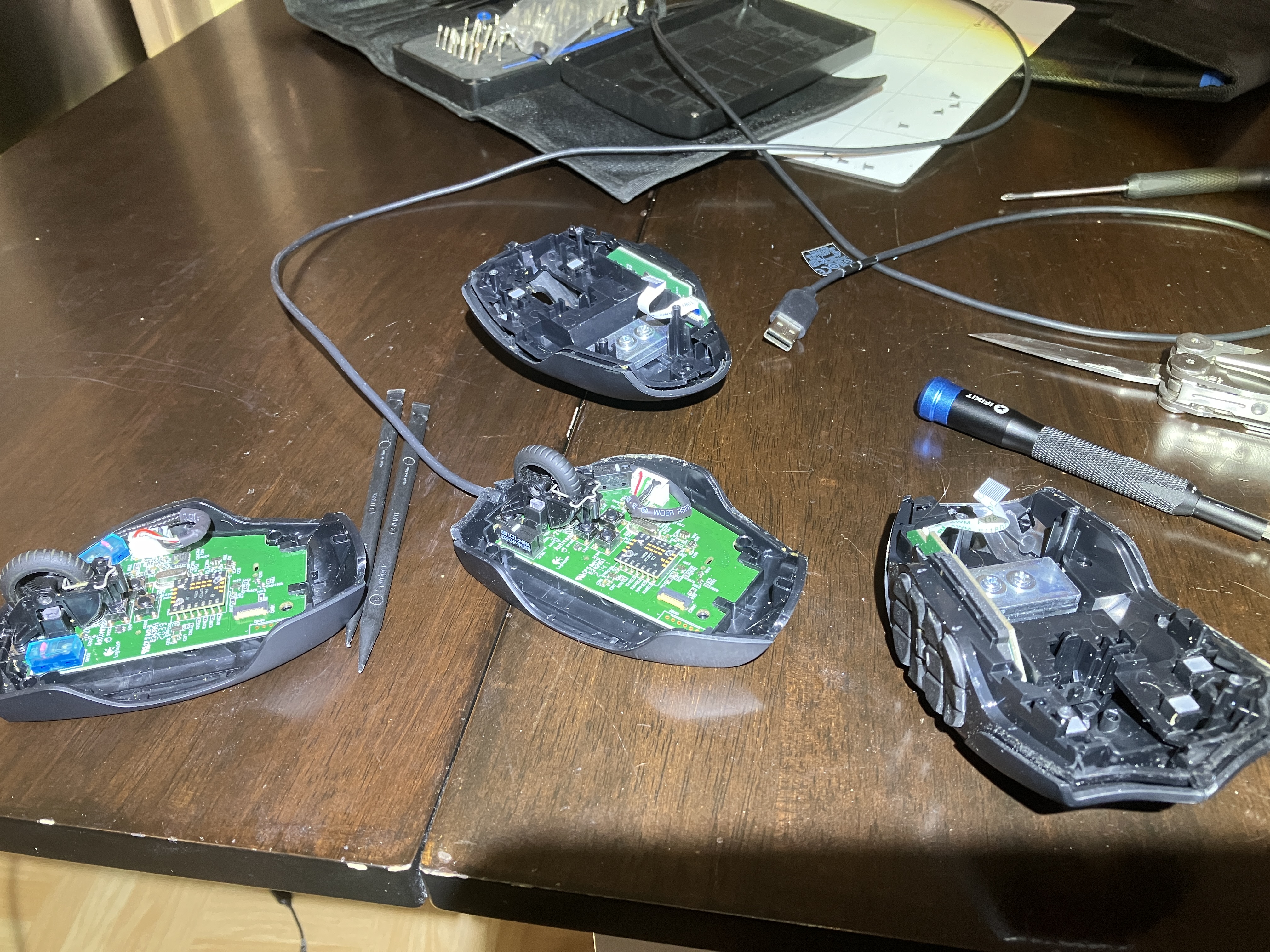
The disassembly and re-assembly went fine. I just took the USB cable from the old mouse and installed it into the newer mouse.
After re-assembly, it was time to install the universal skates in a pattern that would allow for easy disassembly later:
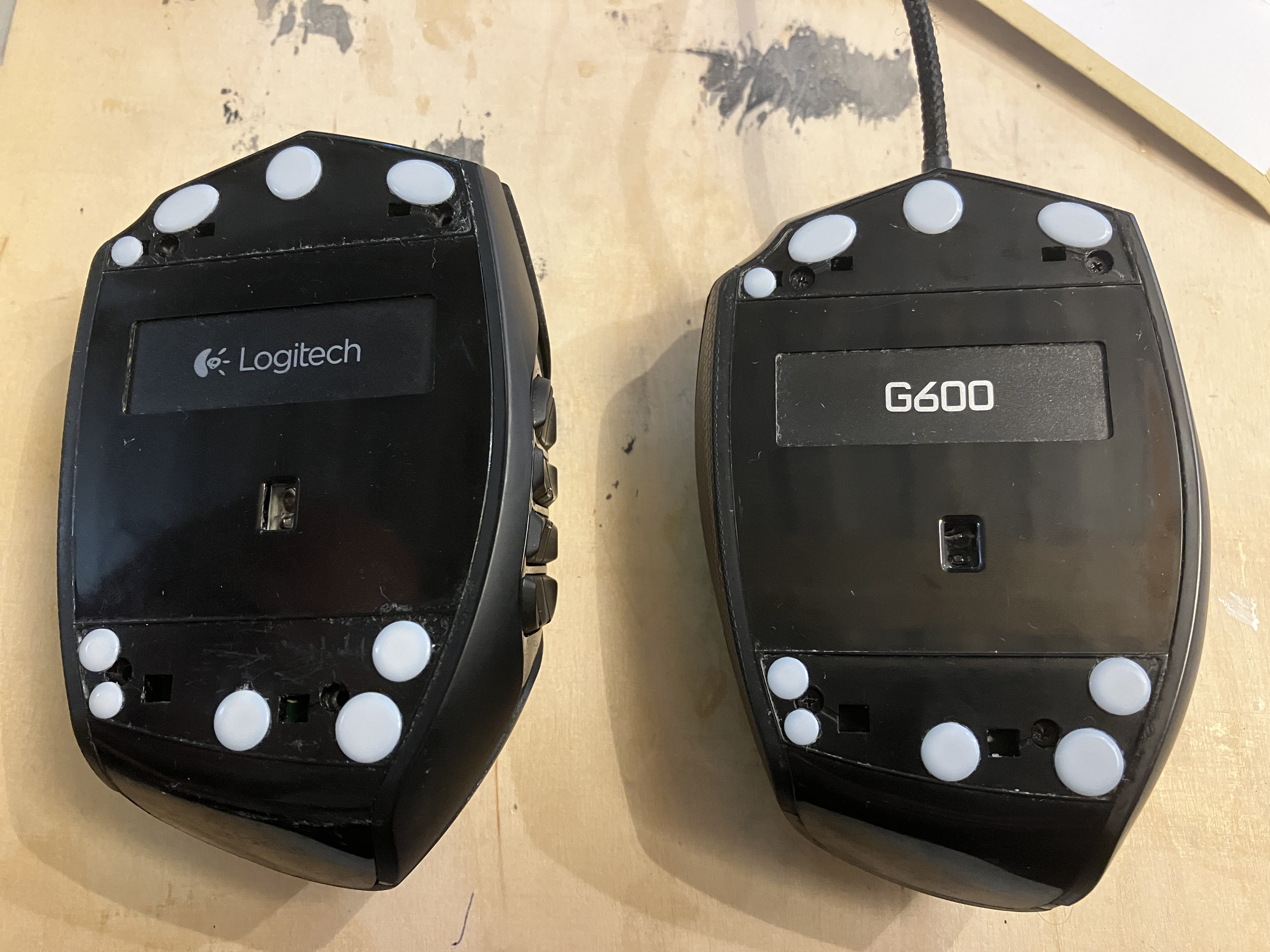
The reassembled mouse worked fine – for a day or two. After that, I noticed the left click started to randomly not register at all, or register double. I verified this with this double click mouse test page.
Given the stock switches of the newer mouse were clearly on their way out, I decided to test if the problems with the main switch feel I experienced with the replacement switches before were indeed due to the upper plastic housing and not due to the switches themselves. Thus, I took both mice apart again and combined the whole bottom housing (including the non-broken USB cable) from the older mouse with the upper housing and the thumb button module from the newer mouse.
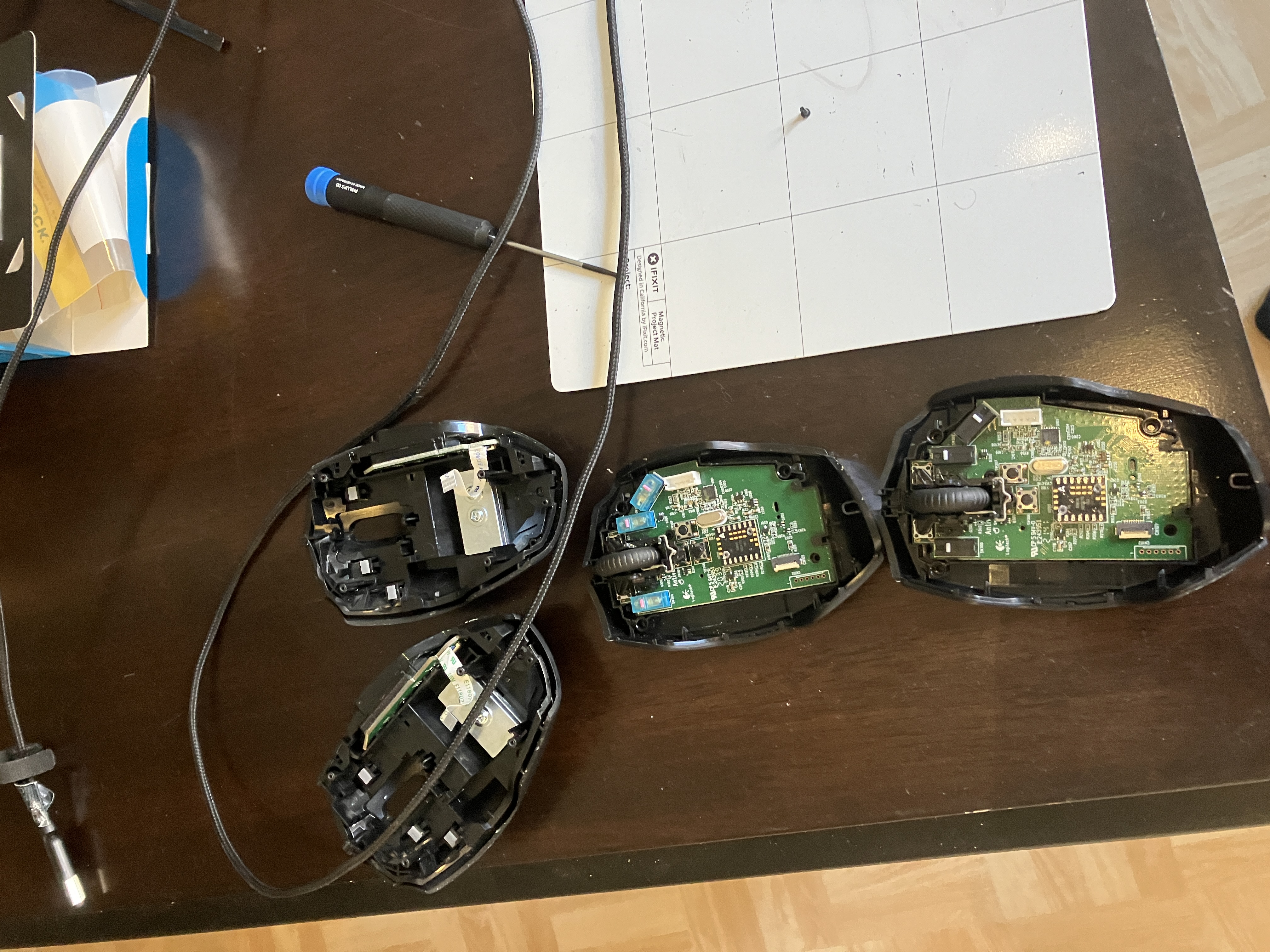
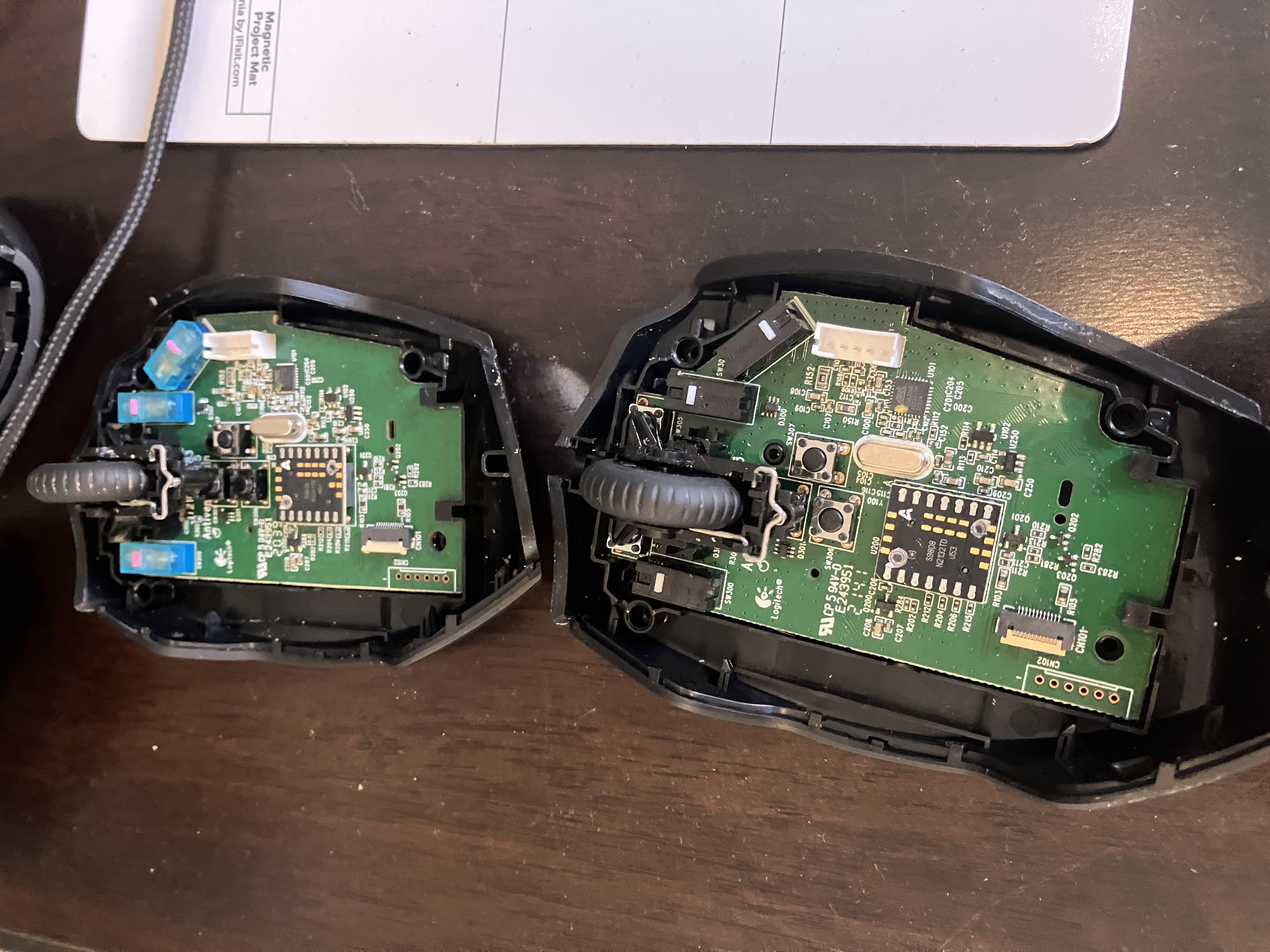
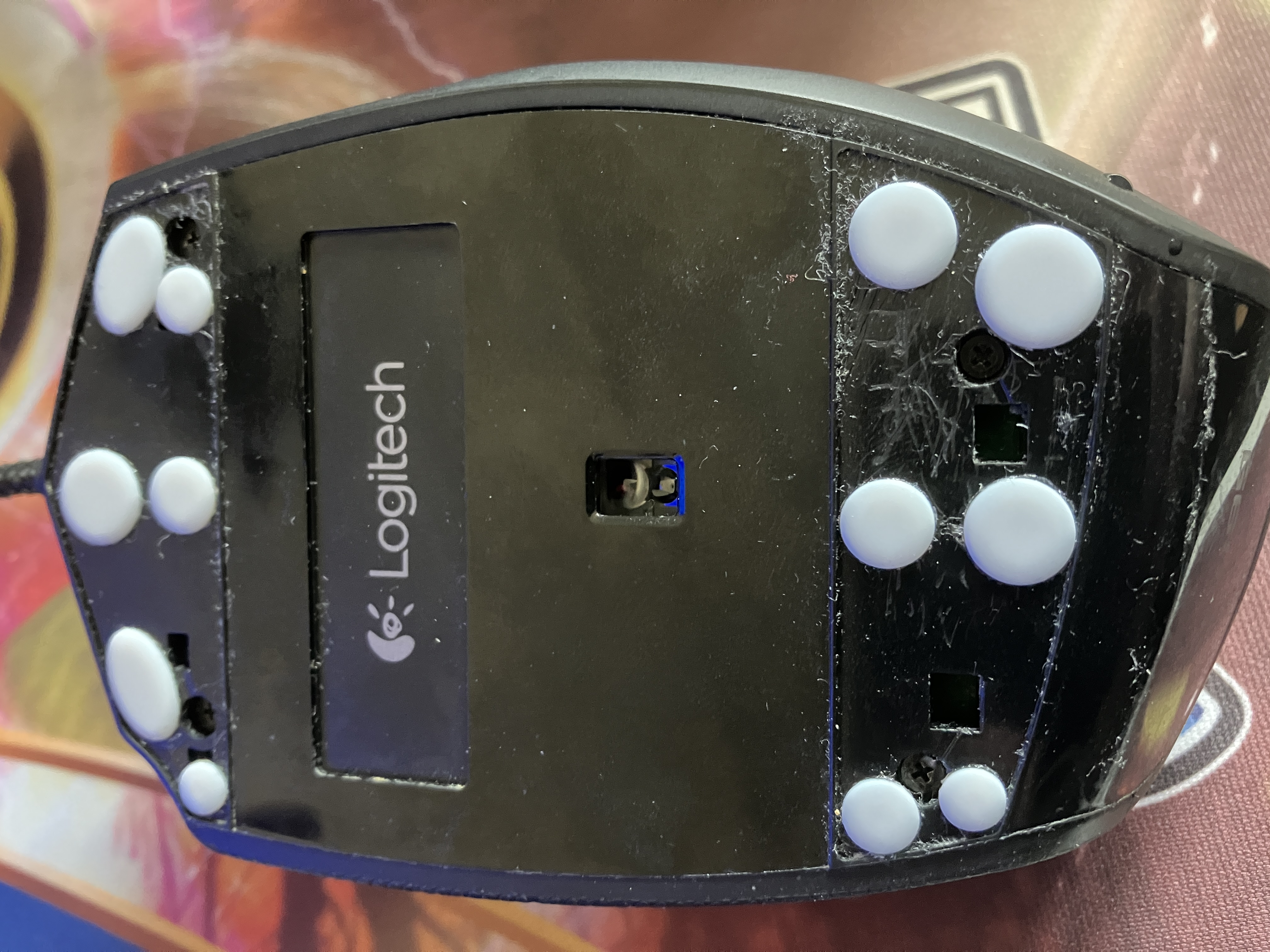
Everything functioned again, and the click feel was mostly okay. There was still a slight second tactile bump, but nothing as egregious as before. I also ended up amending the skate pattern a bit:
However, this state of functionality was not to last, either. Soon thereafter, I noticed the scroll wheel was starting to glitch out and register small steps opposite to the scrolling direction. I verified this with this excellent scroll wheel tester.
This was borderline unbelievable. I never considered the G600 to be especially well-built to begin with, but I was clearly falling of a cliff of components just reaching their end-of-life after just under three years (November 2021 – September 2023) of use on the older mouse and just under one (!) year of use (September 2023 – July 2024) on the newer one. To recap, here's everything broken in that period:
The scroll wheel module is well above my soldering capacity to replace, so I ended up opening the mice again (again!) and just installing the three spare Huano Blue Shell Pink Dot switches I had lying around left over from the previous mouse operation into the newer mouse PCB that had the broken stock switches but still a functional scroll wheel. What was noteworthy here was that the desoldering operation didn't go nearly as smoothly as the previous time, and I ended up breaking all three stock switches upon removal, even the ones that were still okay.
The reassembled frankenstein mouse is working for the time being. It has the lower housing, the PCB, the upper housing, and the thumb button module from the newer one, the USB cable from the older one, aftermarket main switches and aftermarket skates. However, based on this experience, I can't count on the G600 forever.
I have subscribed to receive notifications about new G600 listings on both local Finnish sites and on eBay. I will buy any reasonably priced examples available. I have also looked at the MMO mouse space with renewed interest, however it still seems no other manufacturer has a model that has both 12 thumb buttons and a third main button like the G600. I guess if the mouse was to completely die today, I'd go for the SteelSeries Aerox 9 Wireless, if for no other reason than to eliminate one of the two horrible gaming peripheral software – Logitech G Hub and SteelSeries GG – from my computer (I use the original SteelSeries Apex Pro as my keyboard). I'd just need to probably start using the left Alt key with my left thumb as my second modifier, which is way clumsier than the way I currently play Final Fantasy XIV.